

Retool
Authenticate your Retool app and sync data with Stacksync
1. Access your dashboard
2. Click on "Database"
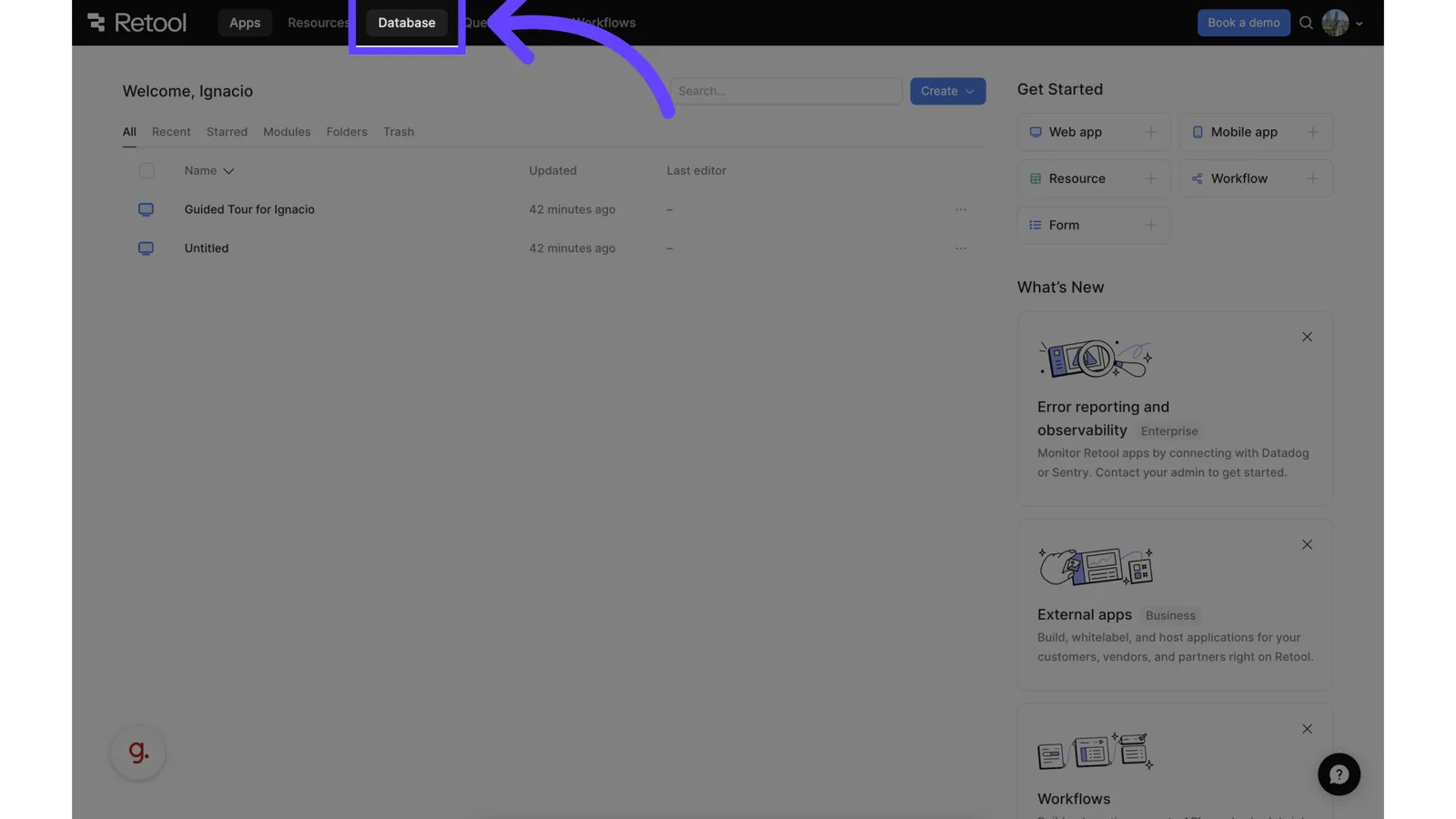
Click on "Database"
3. Reveal Database Options
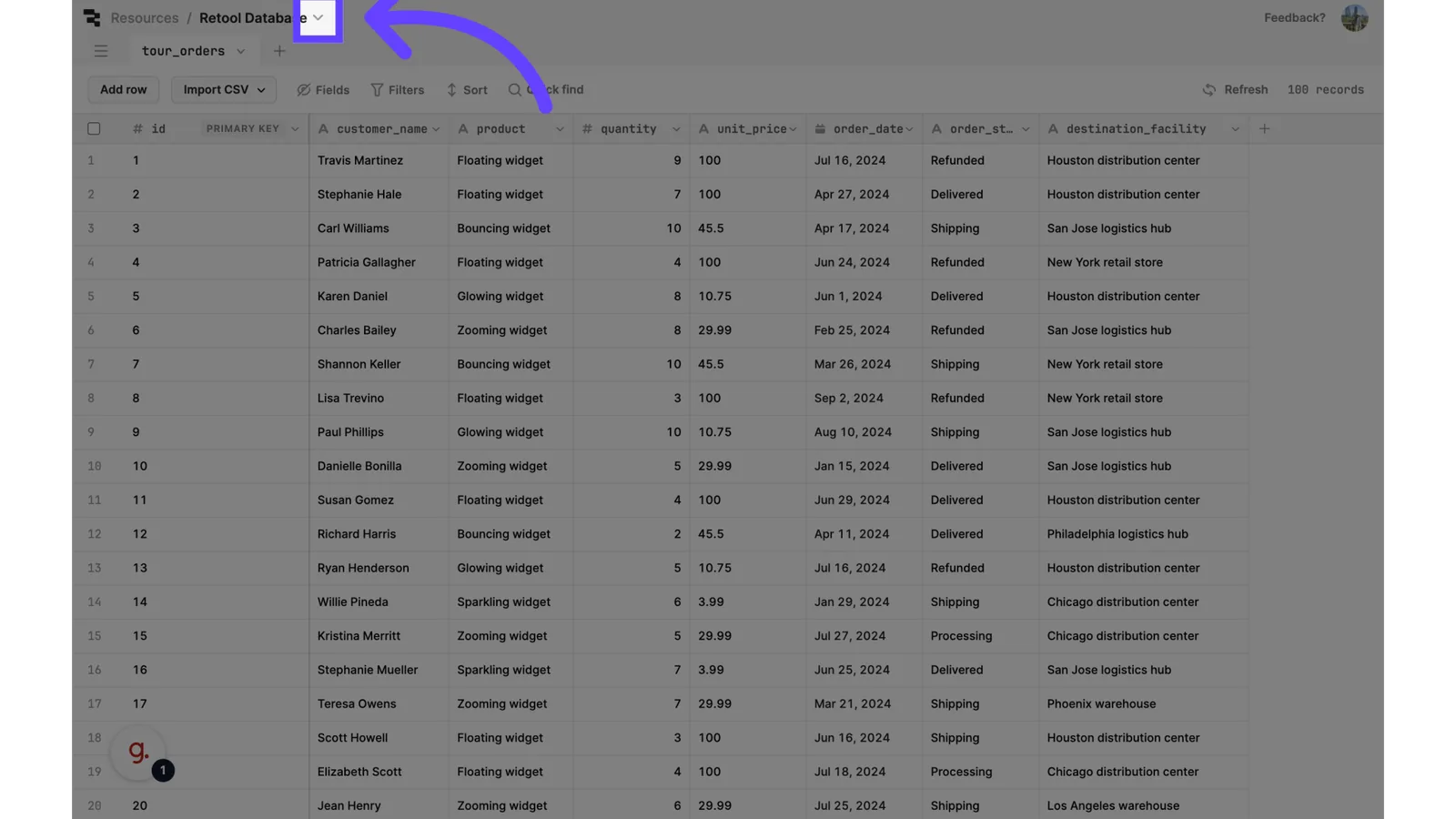
Click and reveal options
4. Click "Connection"
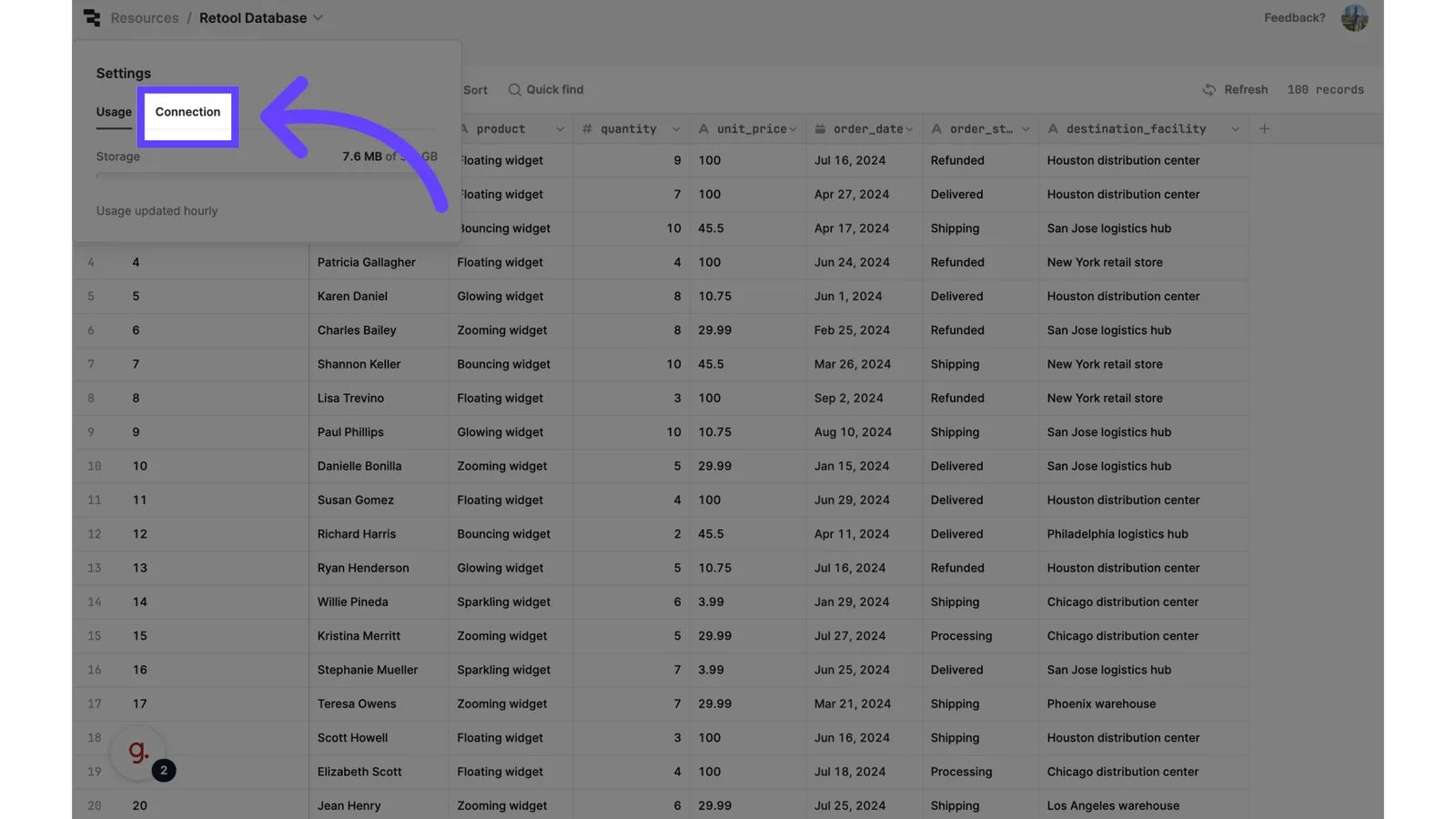
Click "Connection"
5. Reveal Postgres Connection URL
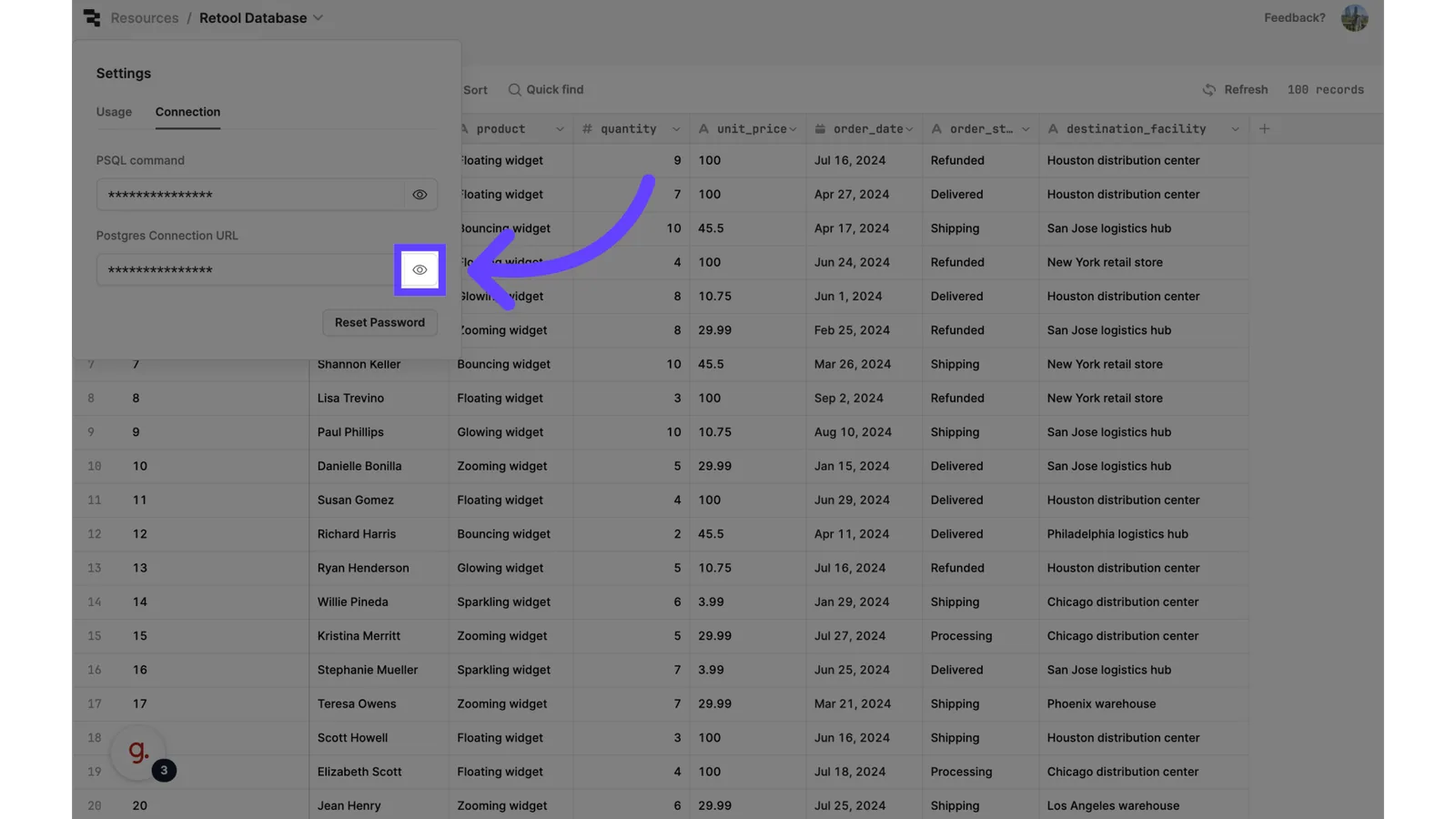
Reveal the Connection URL
6. Copy connection URL
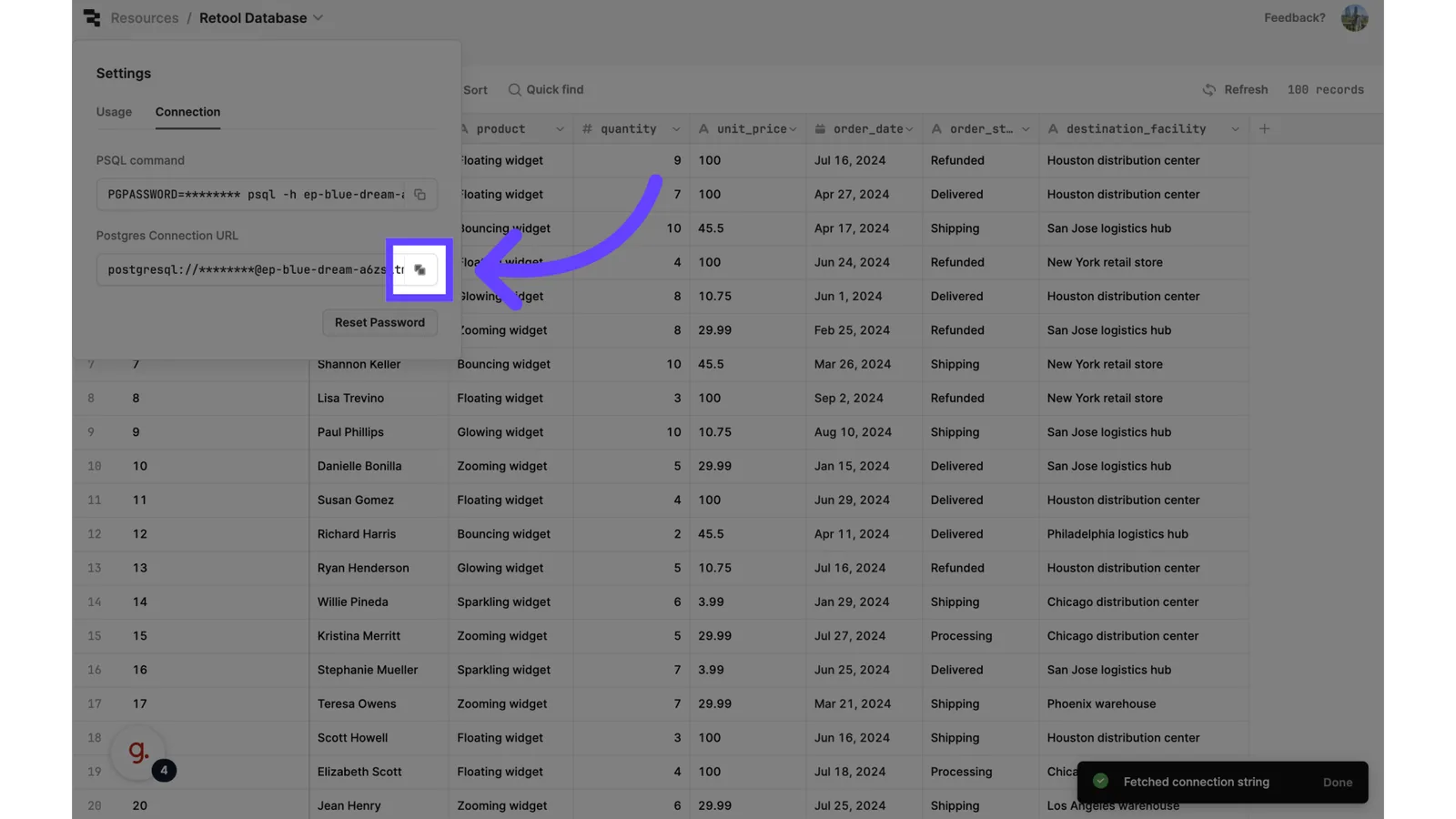
Copy the connection URL
7. Get credentials from connection URL
Retool doesn't give you the port info to connect Postgres via connection URL.
From your connection URL. Manually get the data needed to fill the connection form that will be shown in Step 9.
- Database Type
- Host
- Port
- Username
- Password
- Database
- Schema
6. Click on "Connections"
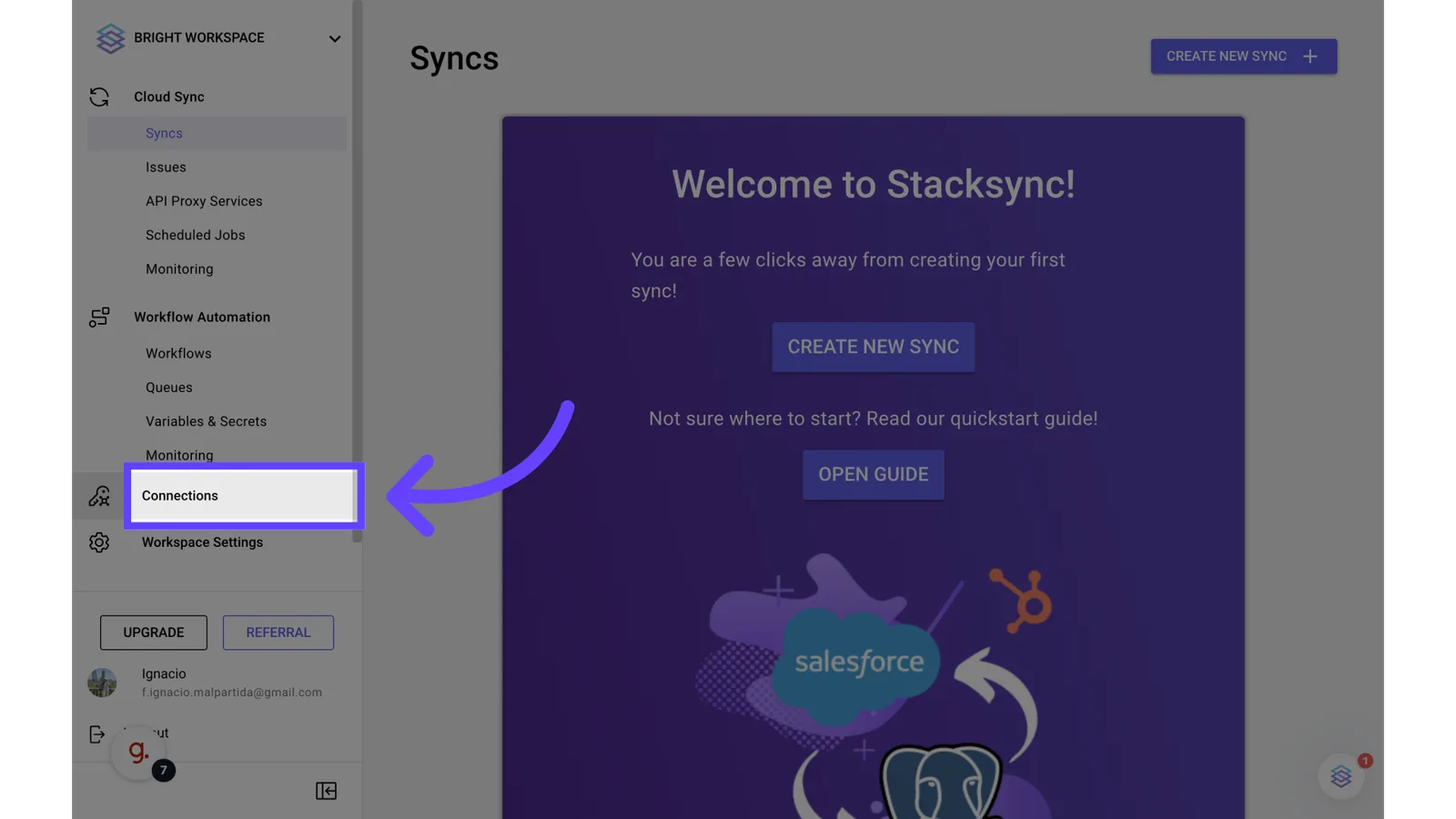
Go to "Connections" on Stacksync
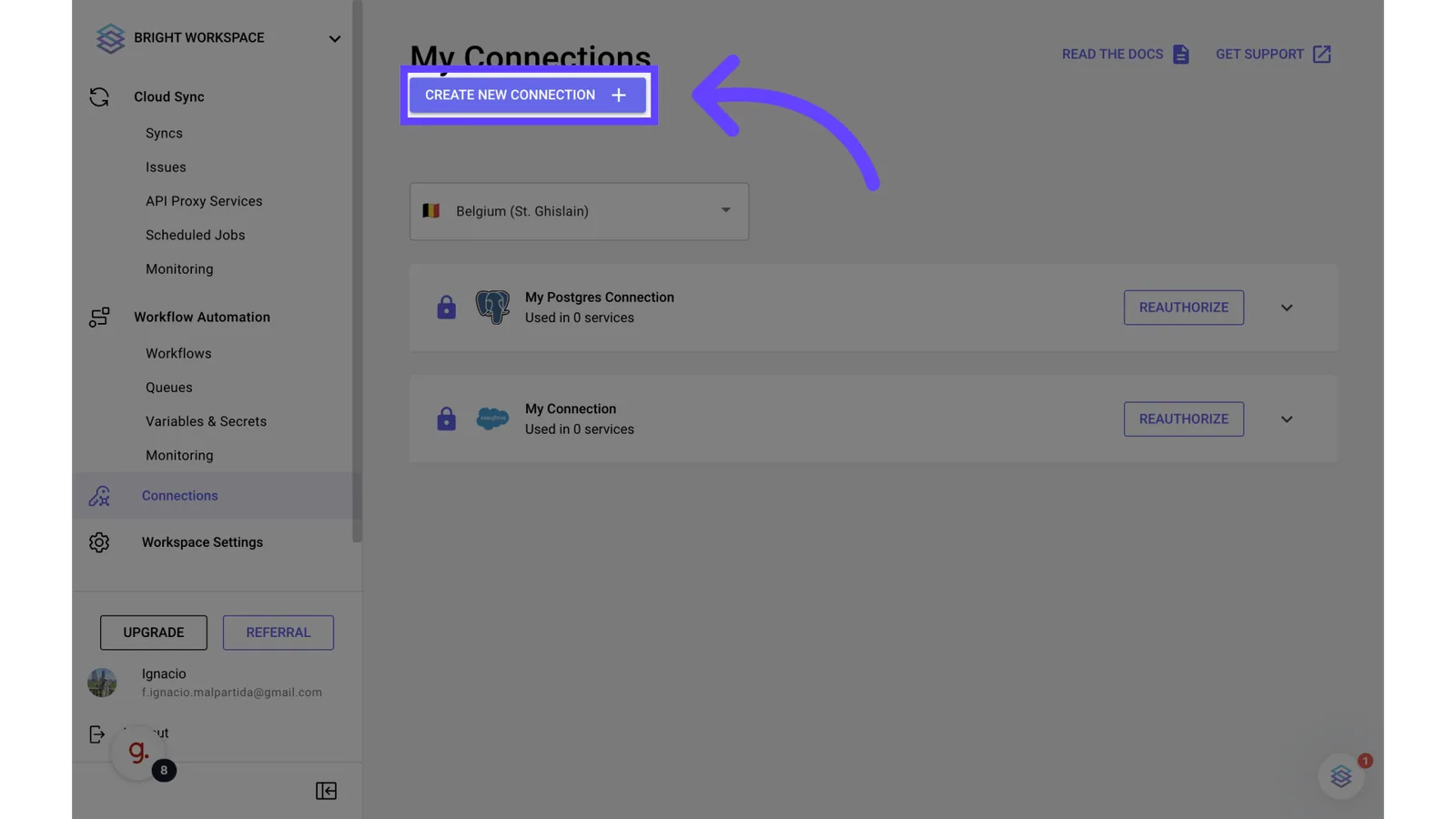
7. Click on "Create New Connection"
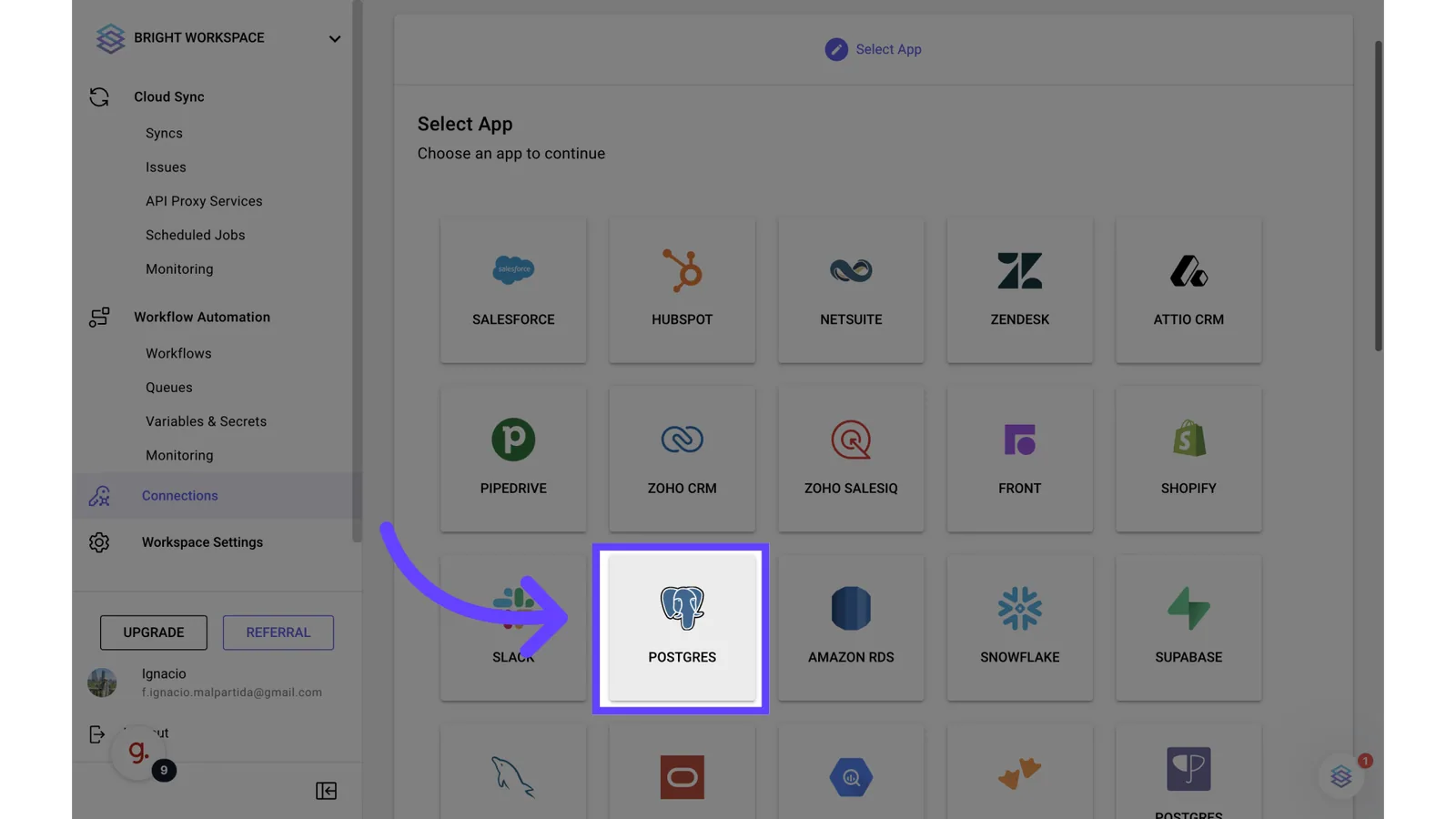
8. Click "Postgres"
9. Fill the connection form
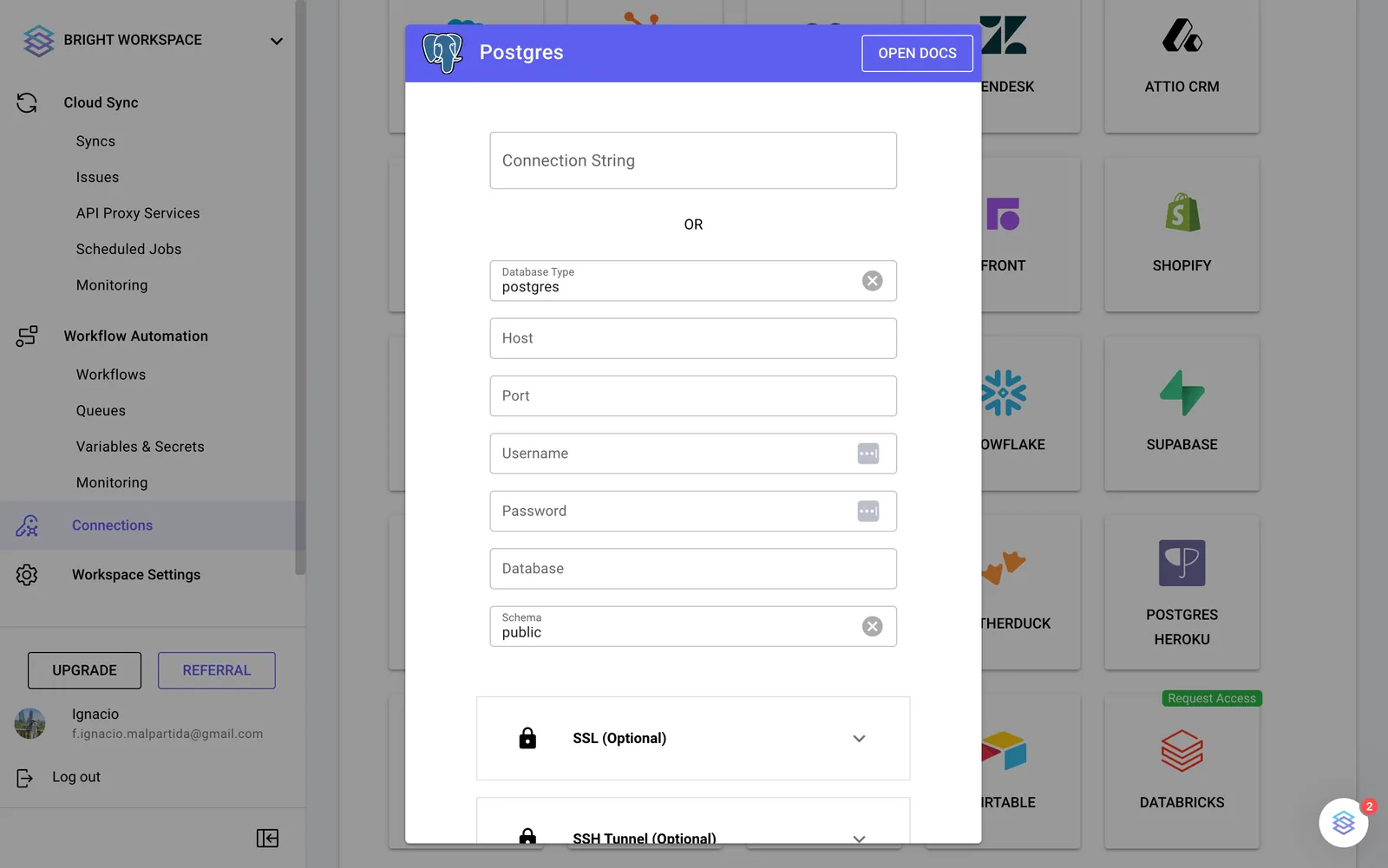
Fill the connection form with all the data from step 7