

Attachments
How HubSpot Attachments Work
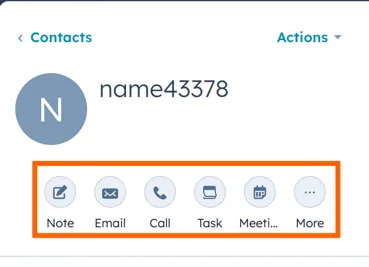
Attachments are always associated with an Engagement object, such as a call, note, or similar interaction. They can be linked to both Standard and Custom objects in HubSpot.
Syncing Attachments in Stacksync:
- At least one Engagement object needs to be synced along with the Attachments object. For example, to sync all attachments linked specifically to Calls, you must sync both Calls and Attachments.
- To sync all attachments regardless of the engagement object they are associated with, you need to sync all objects. However, syncing all objects is not recommended unless it is necessary, as this can result in syncing unnecessary data.