> For the complete documentation index, see [llms.txt](https://docs.stacksync.com/llms.txt). Markdown versions of documentation pages are available by appending `.md` to page URLs; this page is available as [Markdown](https://docs.stacksync.com/two-way-sync/connectors/campfire/authorize-dynamics-365-f-and-o.md).
# Authorize Campfire Connection
This guide explains how to connect your Campfire environment to Stacksync.
### 1. Generate an API Key in [Campfire](https://app.meetcampfire.com/v2/auth/sign-in)
1. Login to [Campfire](https://app.meetcampfire.com/v2/auth/sign-in)
2. Navigate to **Setting** -> **API Keys**
3. Click on **New User** and Create a API user with a **Super User Role.**
4. Click on **Create API Key** and Copy the **API Key secret** generated.
### 2. Create a Connection in [Stacksync](https://app.stacksync.com/) App
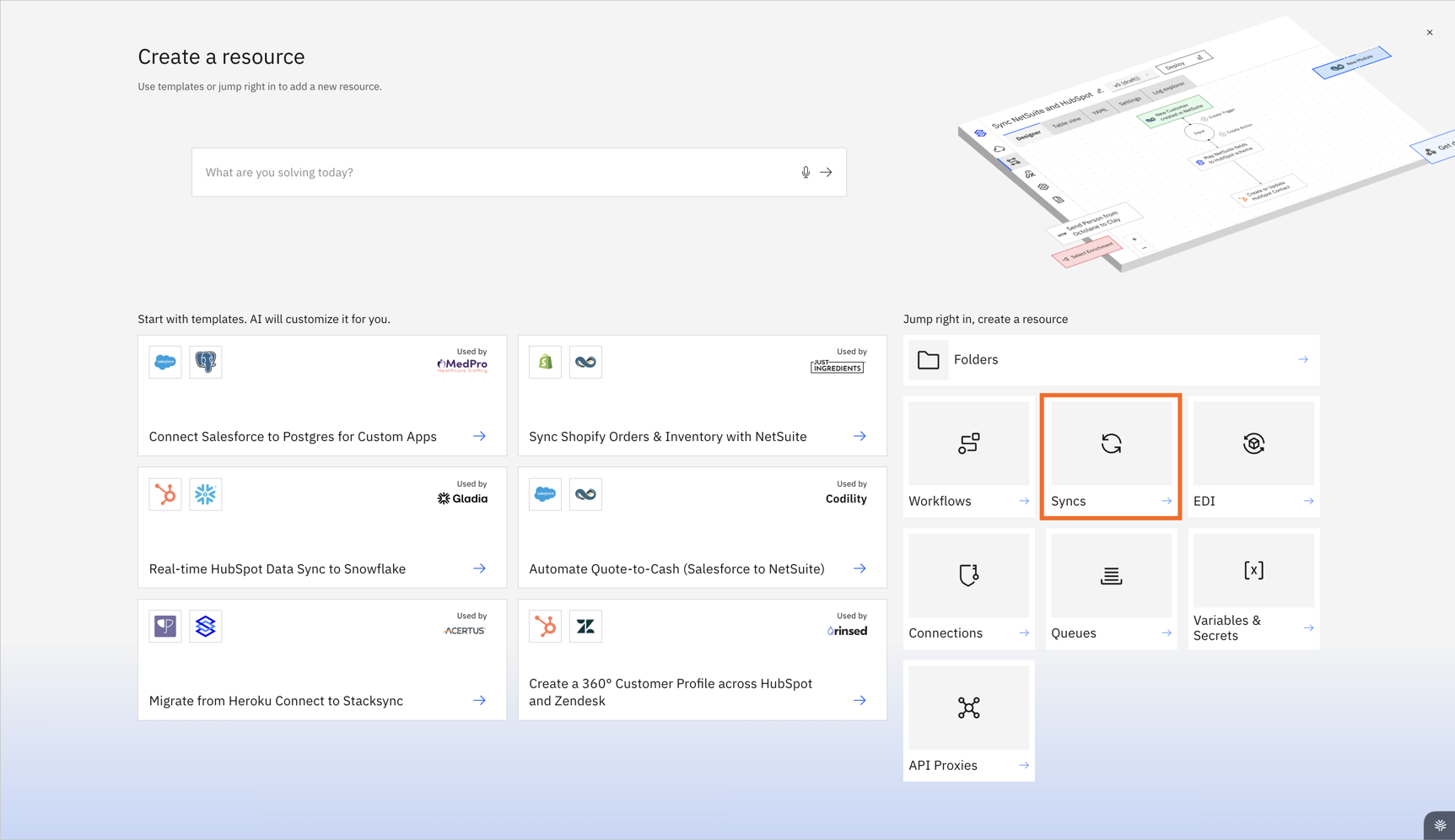
1. Click **Create Resource**
2. Select **Syncs**
3. Choose the **Rillet connector**
This opens the authorization flow.
### 3. Complete the Connection Setup
1. Provide the **Campfire API key** generated in Step 1.
2. Follow the on-screen steps to finalize the connection
If you have any questions or run into any blockers, reach out anytime at and the Stacksync team will be happy to help.