

Re-Authorization
Re-Authorize your connection.
An application connection might expire after a period of inactivity. Additionally, new features, such as the Hubspot Sensitive Fields capability, may require reauthorization of the app.
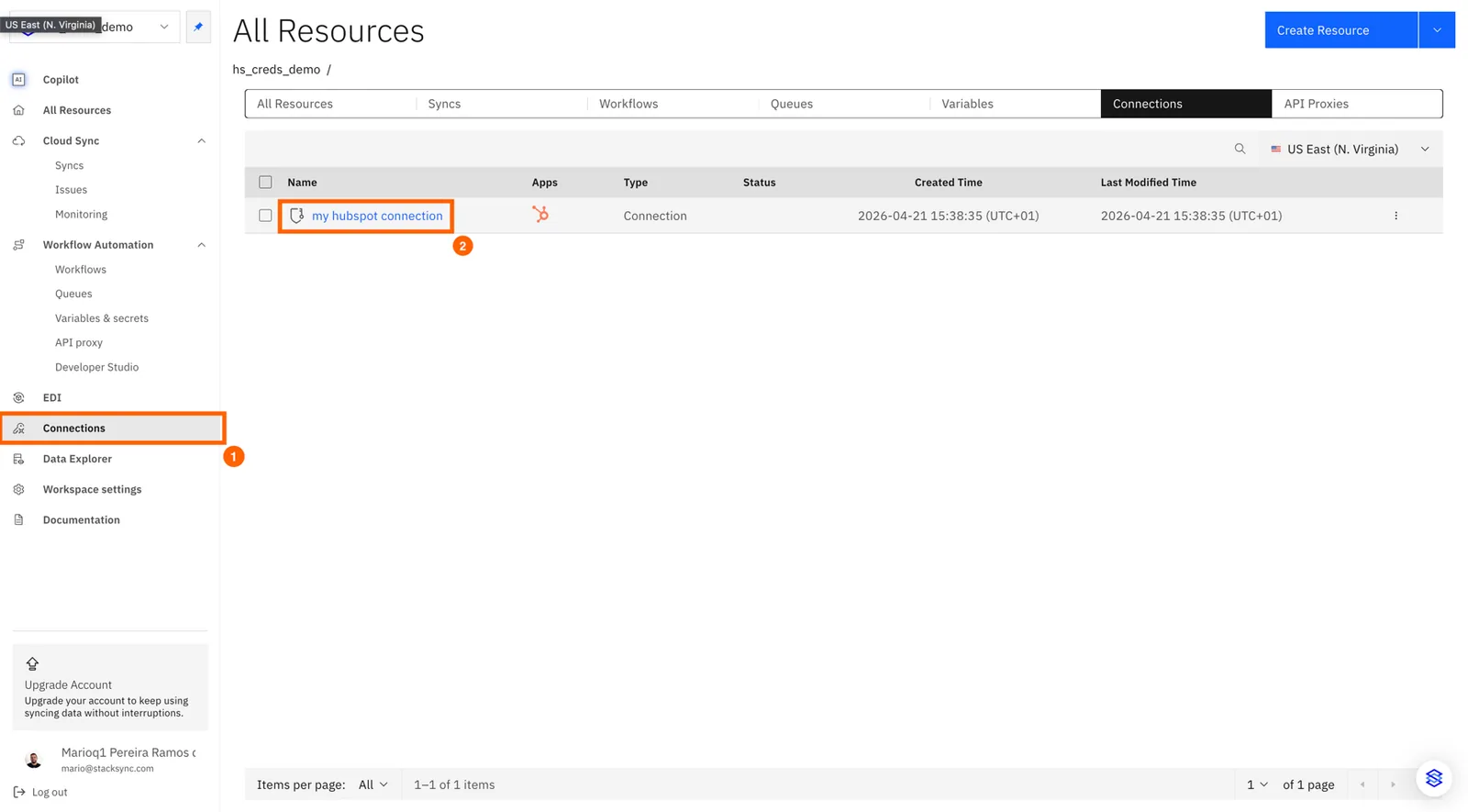
1. Open your connection
Click connections on the side nav-bar and then click the connection you want to re-authorize
2. Click "Reauthorize"
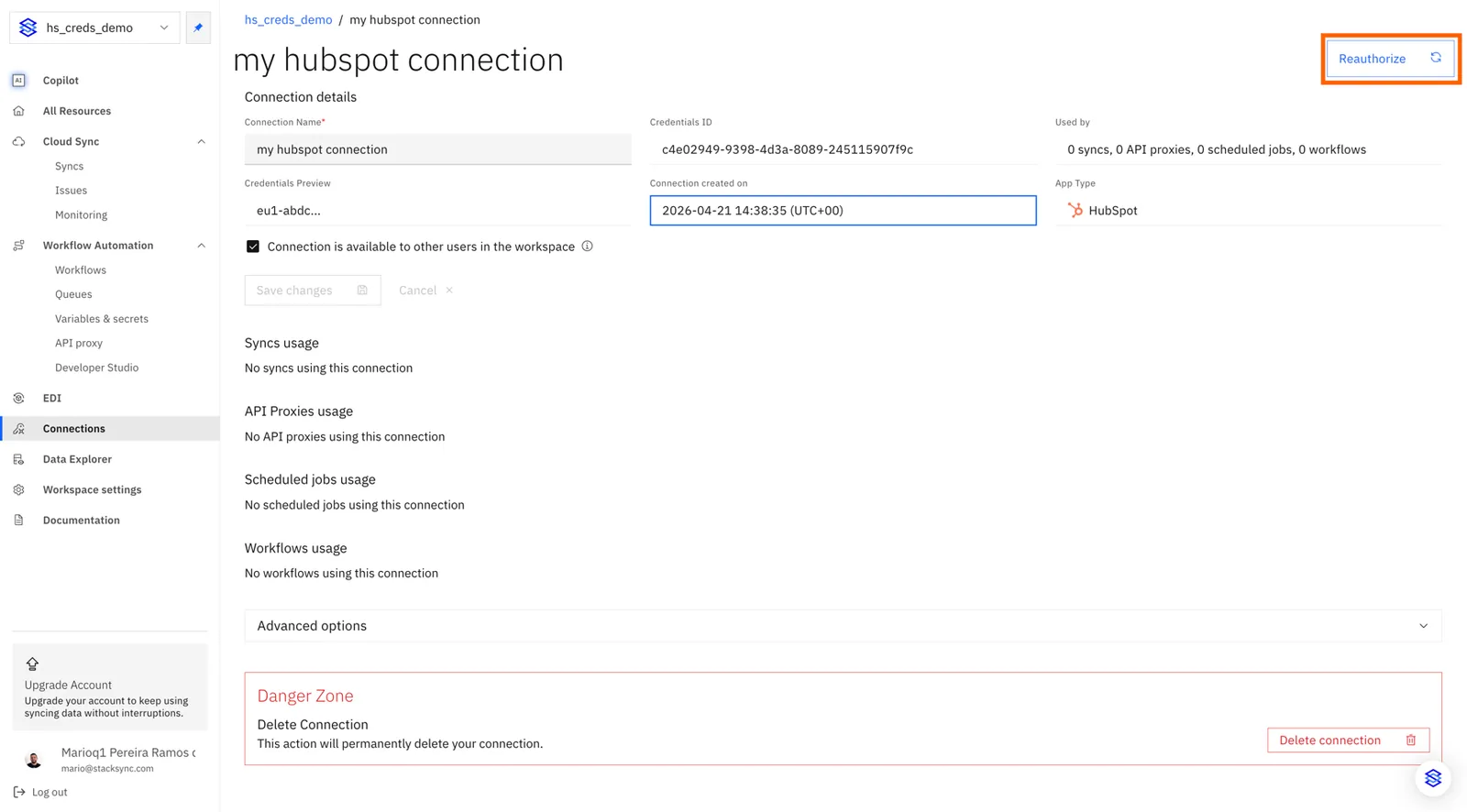
The standard authorization process for the specific app will begin. Follow it to successfully reauthorize the connection.