

Authorize Zendesk
Authenticate your Zendesk app and sync data with Stacksync
Authorize Zendesk
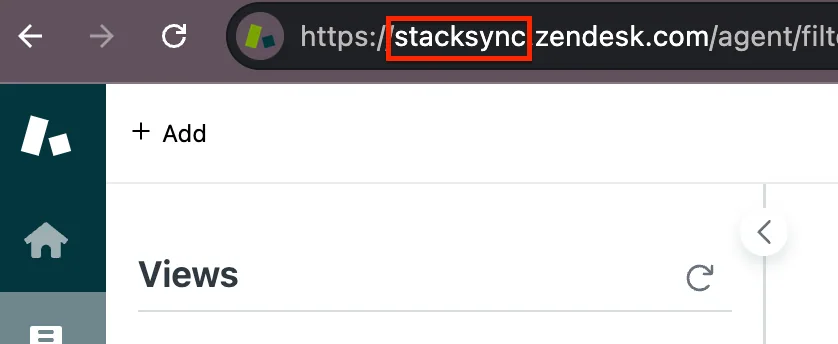
- Copy your Zendesk subdomain name from the Zendesk dashboard URL:
http://{sub_domain_name}.zendesk.com.
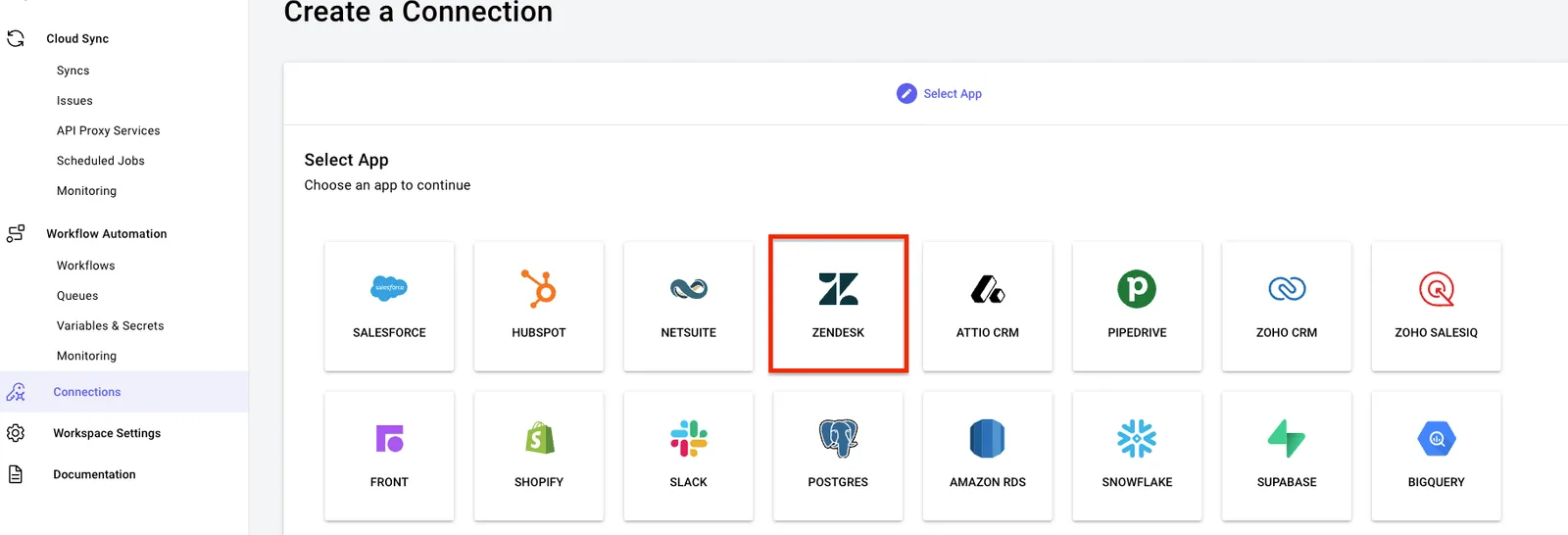
- Log into Stacksync and click on Connections > Create new connection.
- Search for Zendesk and select it.
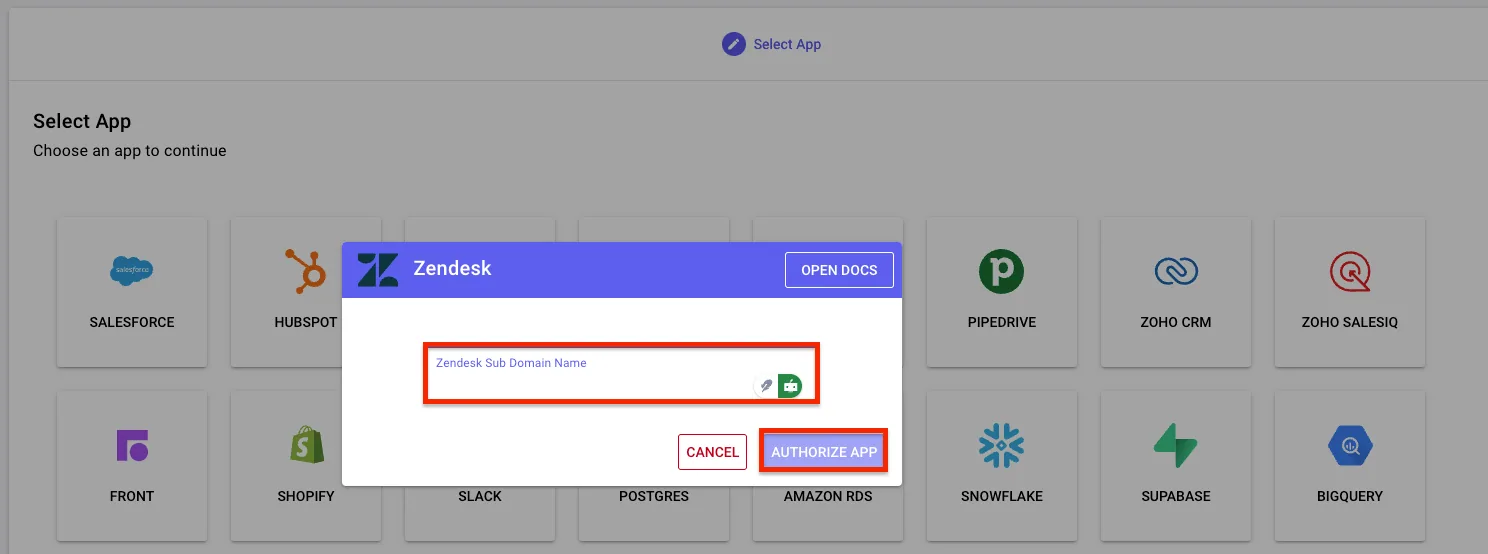
- Paste the sub domain name here, and click Authorize App
You can now use your Zendesk connection in a sync! 🎉