Get started with the Connector Development Kit
Create and use any connector on Stacksync Workflows, whether that's an internal enterprise application, a business system, database or else.
Stacksync allows you to design, code and deploy your own custom connectors and use them within any of your workflows. This allows you to integrate any application of your choice into your existing pipelines.
Create a connector
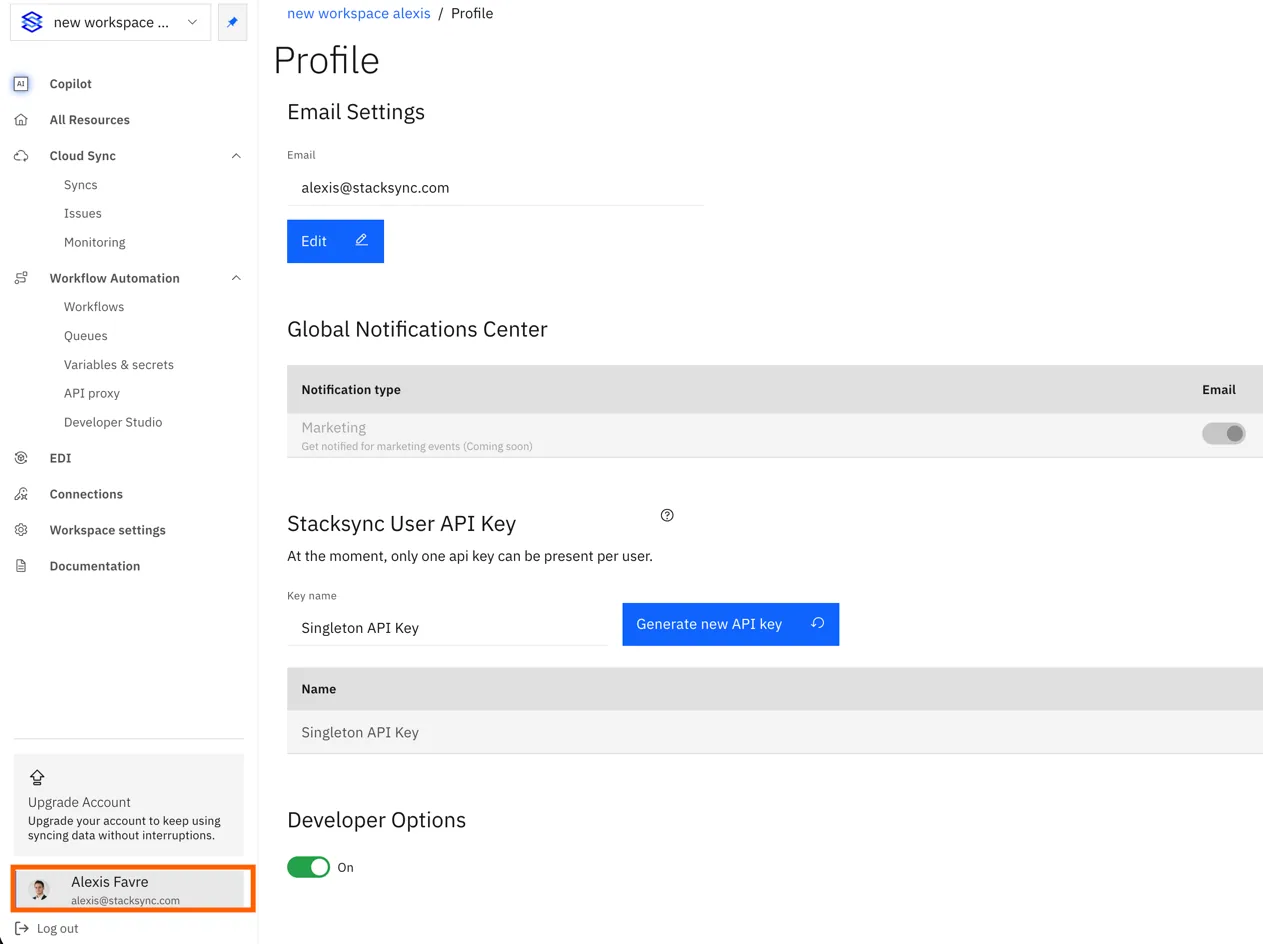
1. First, go to your Stacksync Profile
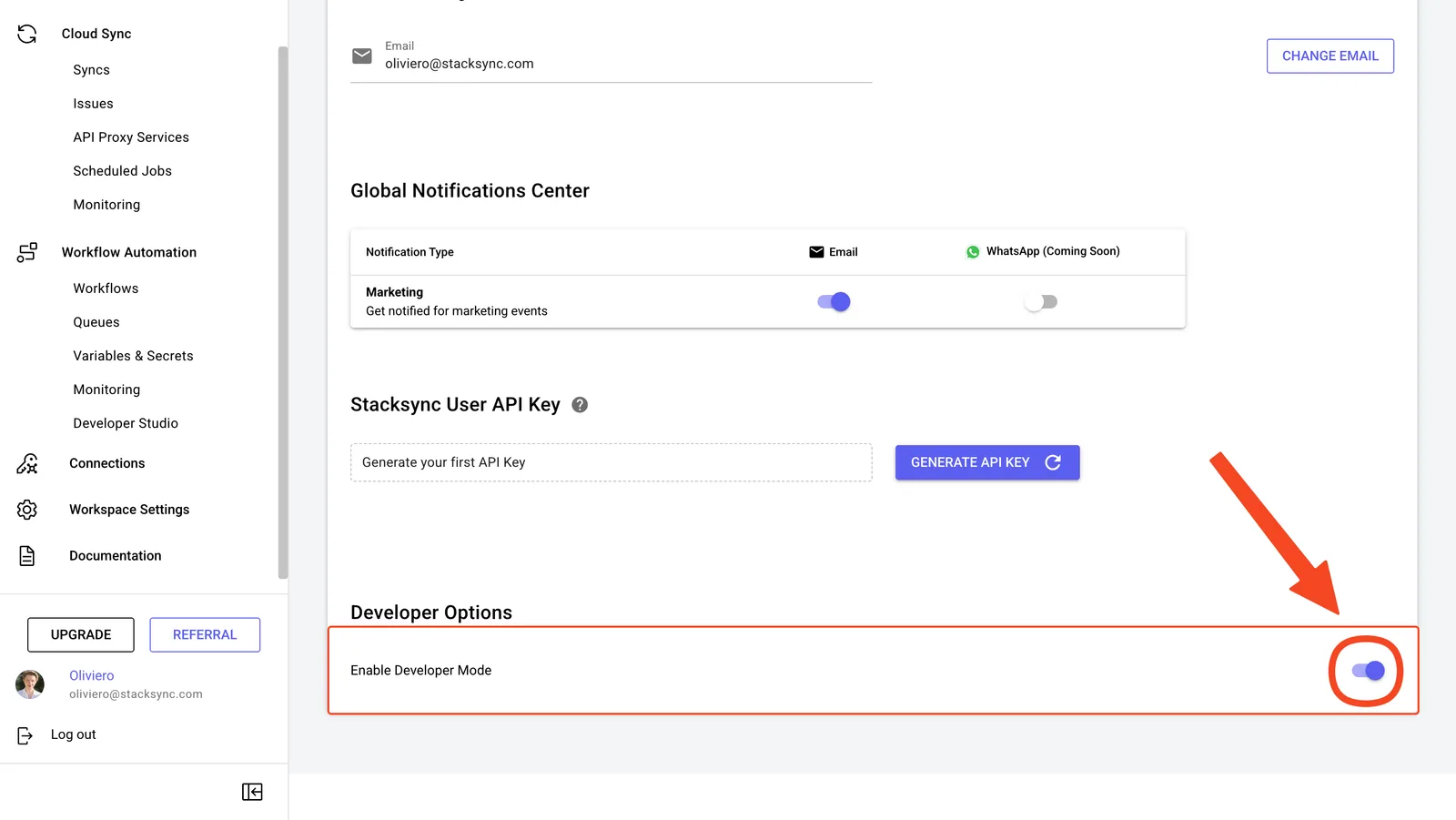
2. Enable Developer Mode