

> For the complete documentation index, see [llms.txt](https://docs.stacksync.com/llms.txt). Markdown versions of documentation pages are available by appending `.md` to page URLs; this page is available as [Markdown](https://docs.stacksync.com/agentic-workflows/triggers.md).

# Triggers

A **Trigger** is what starts your workflow. Every workflow listens for an event or condition and fires the workflow when that condition is met.

### Trigger Types

Stacksync supports multiple built-in trigger types

#### Popular Triggers

| Trigger                      | Best for                                            |
| ---------------------------- | --------------------------------------------------- |
| Receive Webhooks/HTTP Events | Webhooks, manual runs, external system integrations |
| Automated Schedule           | Recurring syncs, automated reports, polling         |
| Email Trigger                | Processing inbound emails, invoices, notifications  |

#### App Triggers

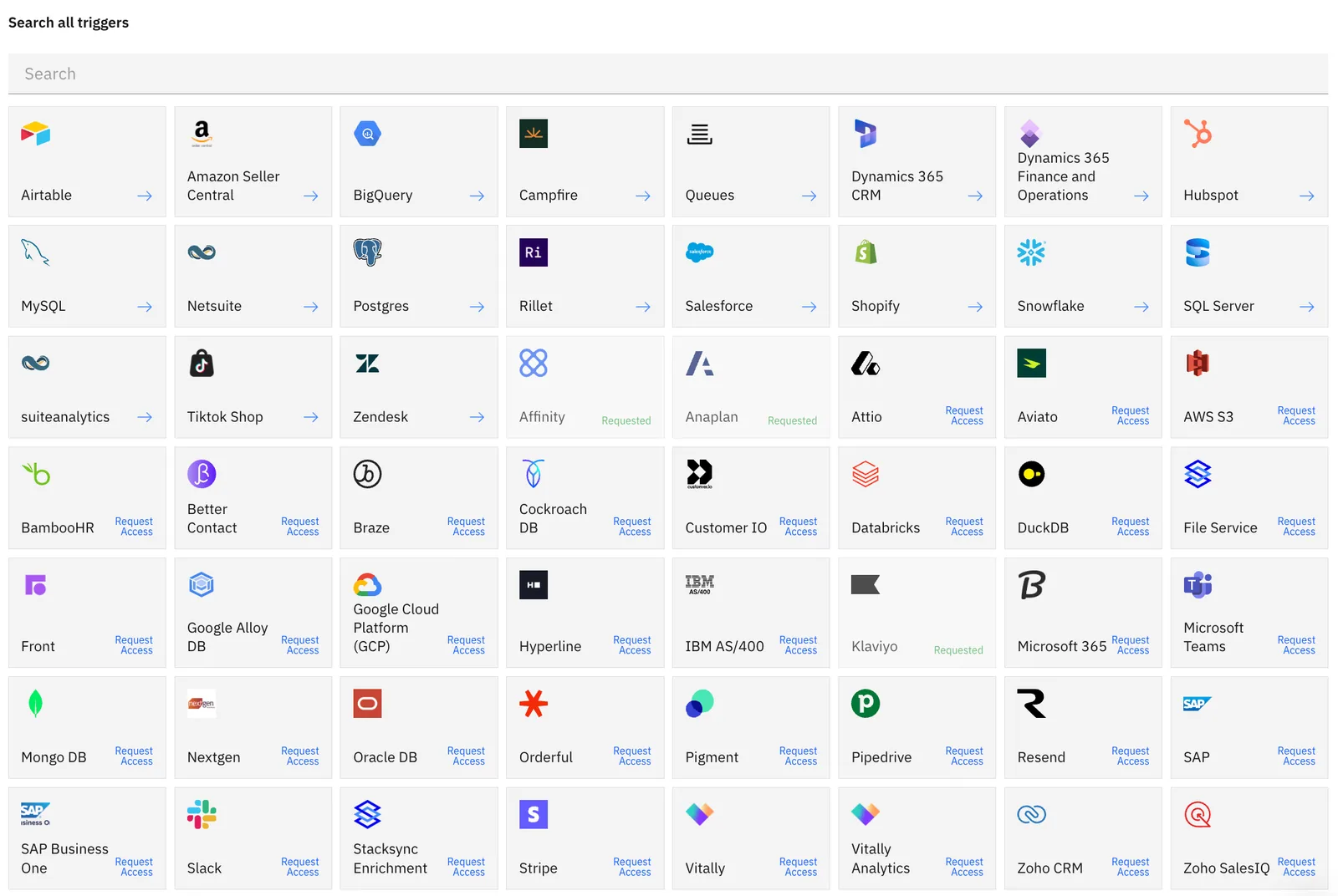
Stacksync supports app-specific triggers from your connected integrations. For example, firing a workflow when a new record is created in Salesforce or when a payment is received in Stripe.

Browse all available triggers from the trigger selection menu in the workflows
<figure><img src="/files/cJzqIzjvw1yq1YAiwts4" alt=""><figcaption></figcaption></figure>

{% content-ref url="/pages/ChZzCme466q9WosmFJ3H" %}
[Receive Webhook/HTTP Events](/agentic-workflows/triggers/receive-webhook-http-events.md)
{% endcontent-ref %}

{% content-ref url="/pages/LDi24BmDgUHdjx6eBs2n" %}
[Automated Schedule](/agentic-workflows/triggers/automated-schedule.md)
{% endcontent-ref %}

{% content-ref url="/pages/QH6lr6H9xubQDQk681G4" %}
[Email Trigger](/agentic-workflows/triggers/email-trigger.md)
{% endcontent-ref %}

{% content-ref url="/pages/bqODXLVCWxsAdQaV3dEe" %}
[App Triggers](/agentic-workflows/triggers/app-triggers.md)
{% endcontent-ref %}

***


---

# Agent Instructions
This documentation is published with GitBook. GitBook is the documentation platform designed so that both humans and AI agents can read, navigate, and reason over technical content effectively. Learn more at gitbook.com.

## Querying This Documentation
If you need additional information that is not directly available in this page, you can query the documentation dynamically by asking a question.

Perform an HTTP GET request on the current page URL with the `ask` query parameter:

```
GET https://docs.stacksync.com/agentic-workflows/triggers.md?ask=<question>
```

The question should be specific, self-contained, and written in natural language.
The response will contain a direct answer to the question and relevant excerpts and sources from the documentation.

Use this mechanism when the answer is not explicitly present in the current page, you need clarification or additional context, or you want to retrieve related documentation sections.
