

Give a genie its own email address, send it a mail, get its answer as a reply in the same thread.
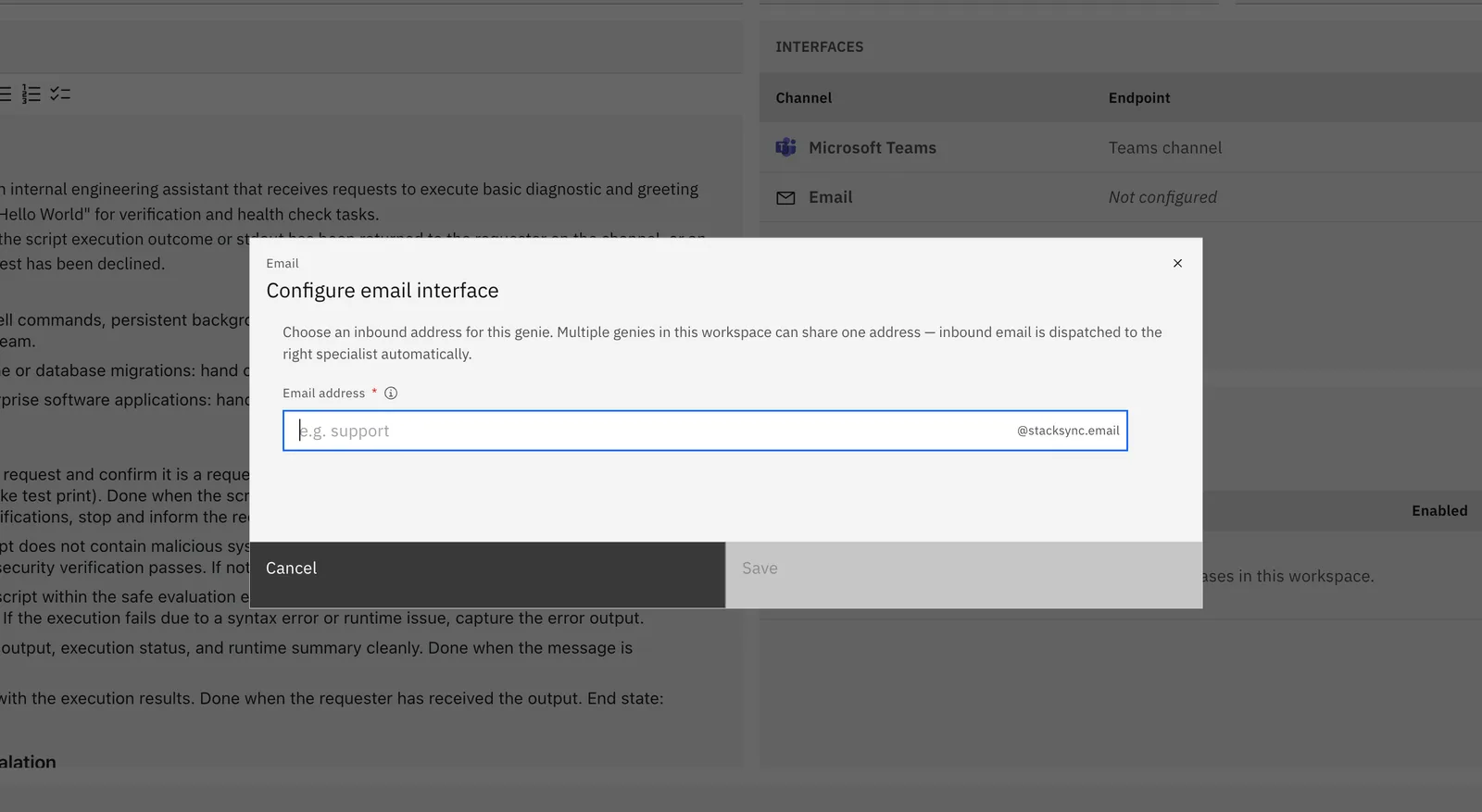
1. Add the Email interface
Open your genie → Interfaces → Add → Email.
Choose the genie's inbound email address and click Save.
2. Write to it
Send an email to the genie's address with your request in the subject or body. The genie replies to the thread. Follow-up emails in the same thread keep the conversation context, and attachments you send are read by the genie.
Anyone who knows the address can email the genie, but access rights still apply: senders who aren't Stacksync workspace members only get answers if the genie's access rights are set to Public (authentication not required).
Troubleshooting
| Symptom | Check |
|---|---|
| No reply | Is the Email interface saved with an address? Is the genie Active? |
| No reply for external senders | Access rights — set to Public. |