# Connect Deposco to Stacksync

Source: https://docs.stacksync.com/connectors/deposco/connect-deposco-to-stacksync

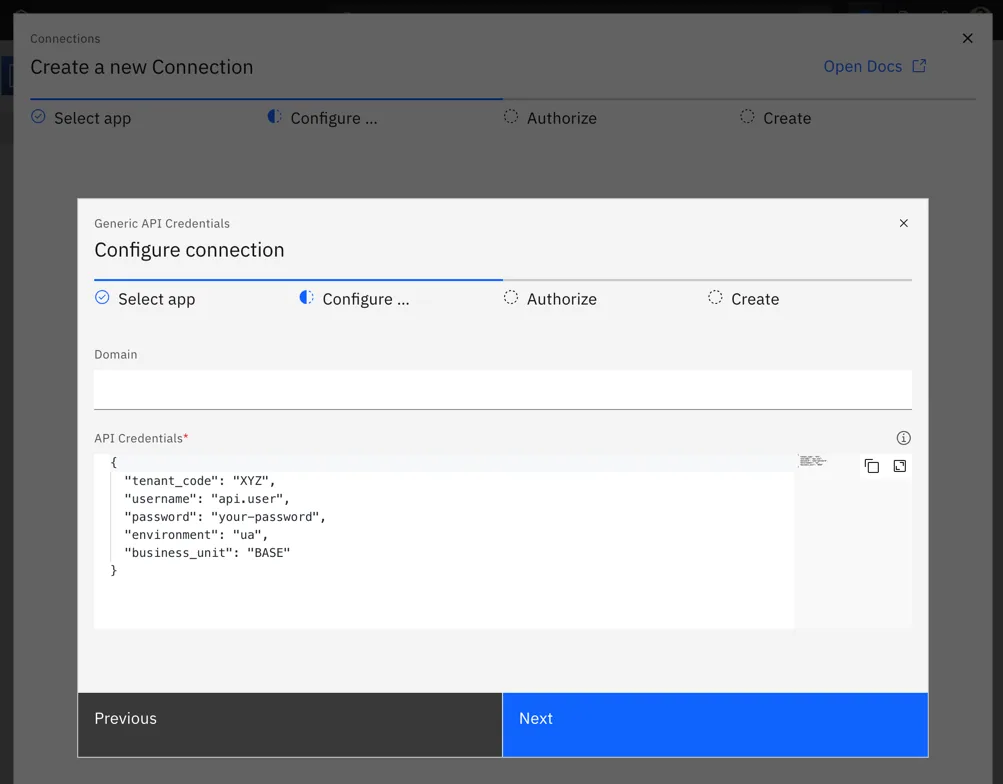
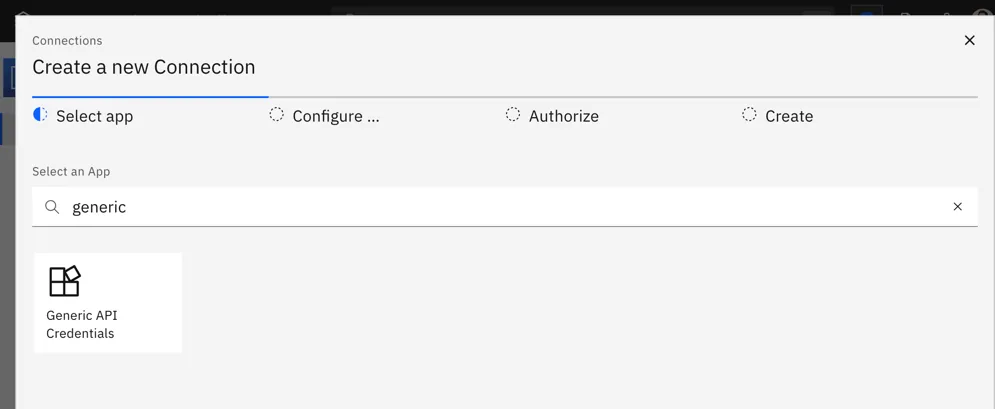
Create a `generic_api_credentials` connection in Stacksync. That type stores one\
string, so the Deposco details go in it as JSON:

```json
{
  "tenant_code": "XYZ",
  "username": "api.user",
  "password": "your-password",
  "environment": "ua",
  "business_unit": "BASE"
}
```

`tenant_code` is **case-sensitive** (the connector uppercases it).&#x20;

`environment` is `production` or `ua`;&#x20;

`business_unit` is the fallback whenever a module needs one.
<figure>
  <img src="/images/connectors/deposco-select-generic-api-credentials.webp" alt="Stacksync &#x22;Create a new Connection&#x22; Select app step, searching &#x22;generic&#x22; and showing the &#x22;Generic API Credentials&#x22; tile." width="995" height="409" loading="lazy" decoding="async" />

  <figcaption />
</figure>

<figure>
  <img src="/images/connectors/deposco-generic-api-credentials-json.webp" alt="Generic API Credentials &#x22;Configure connection&#x22; form with a Domain field and JSON API Credentials including tenant_code and business_unit." width="1003" height="784" loading="lazy" decoding="async" />

  <figcaption />
</figure>