# Email
Source: https://docs.stacksync.com/ai-agents/genie-interfaces/email
Give a genie its own email address, send it a mail, get its answer as a reply in the same thread.
### 1. Add the Email interface
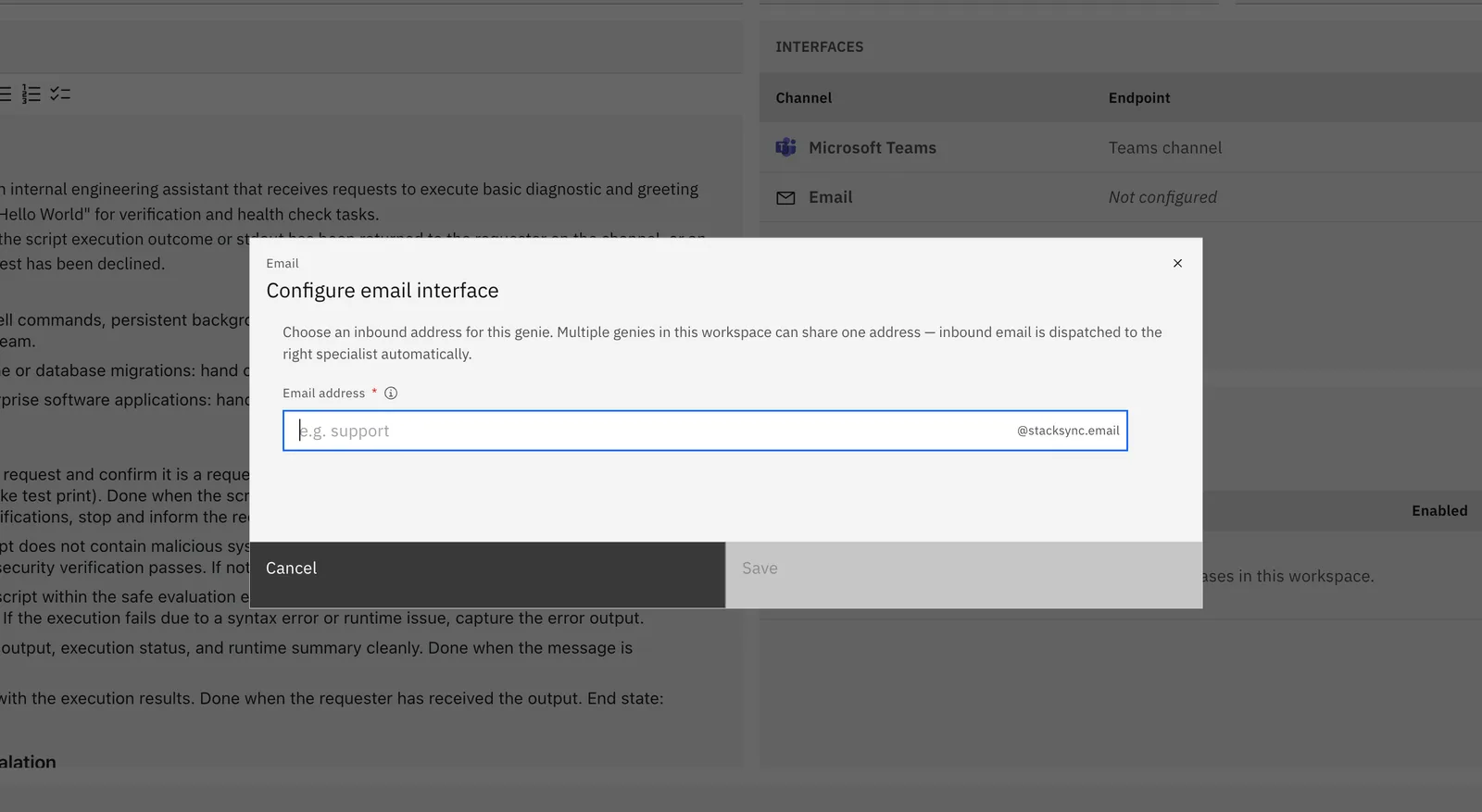
Open your genie → **Interfaces** → **Add** → **Email**.
Choose the genie's inbound email address and click **Save**.
### 2. Write to it
Send an email to the genie's address with your request in the subject or body. The genie replies to the thread. Follow-up emails in the same thread keep the conversation context, and attachments you send are read by the genie.
Anyone who knows the address can email the genie, but **access rights still apply**: senders who aren't Stacksync workspace members only get answers if the genie's access rights are set to **Public (authentication not required)**.
## Troubleshooting
| Symptom | Check |
| ----------------------------- | ---------------------------------------------------------------------- |
| No reply | Is the Email interface saved with an address? Is the genie **Active**? |
| No reply for external senders | **Access rights** — set to Public. |